Union Bank Net Banking : New User Registration
- Visit the official site of Union Bank of India – https://www.unionbankofindia.co.in/english/home.aspx
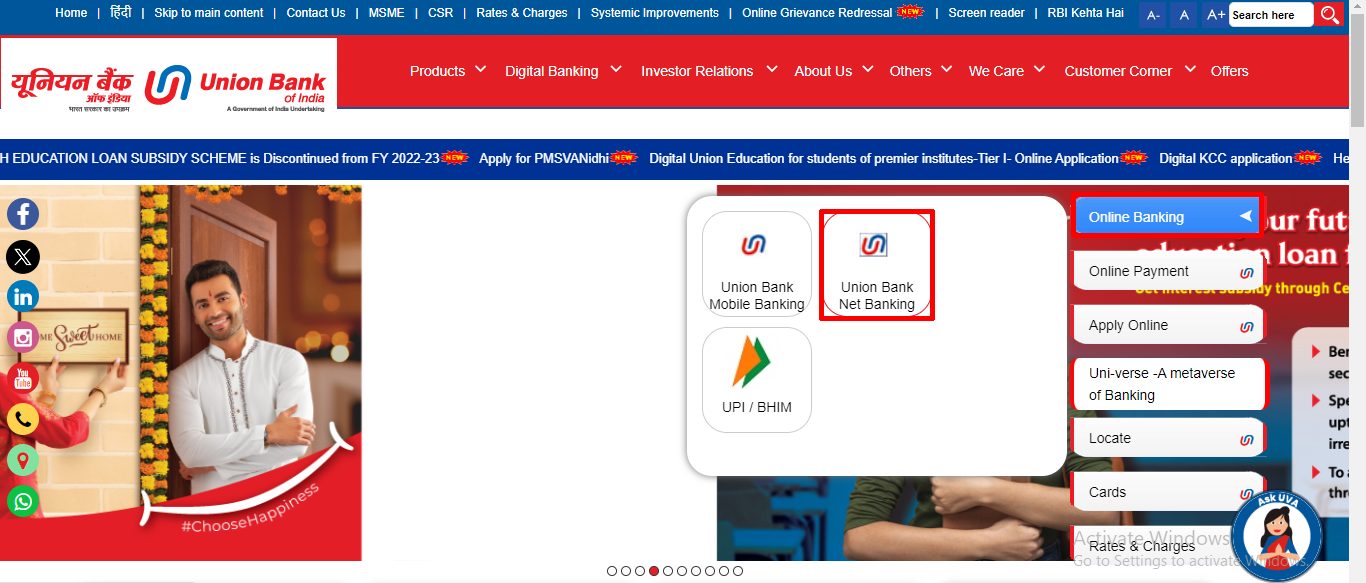
- Click on “Online Banking>Union Bank Net Banking“. (Otherwise click this link to go direct netbanking page – https://www.unionbankonline.co.in/)
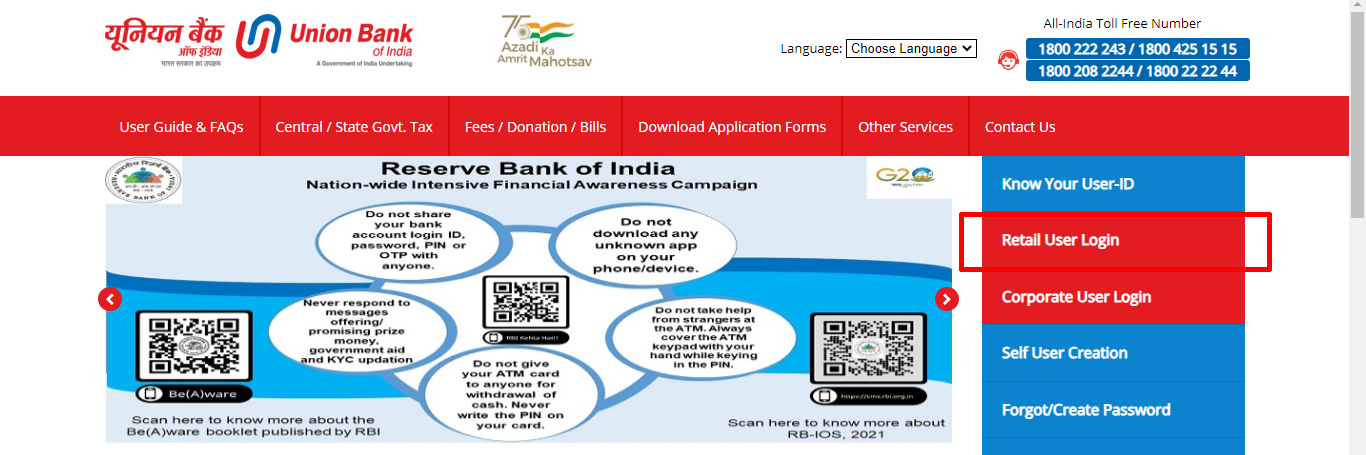
- Then click “Retail User Login“
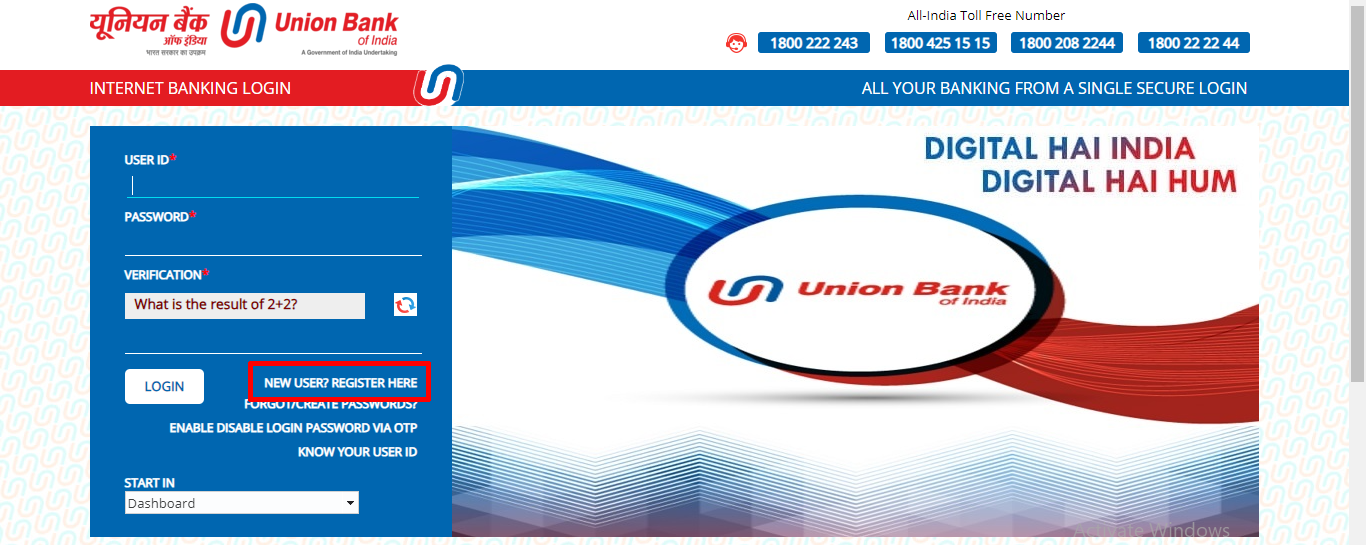
- Again click on “New User? Register Here“
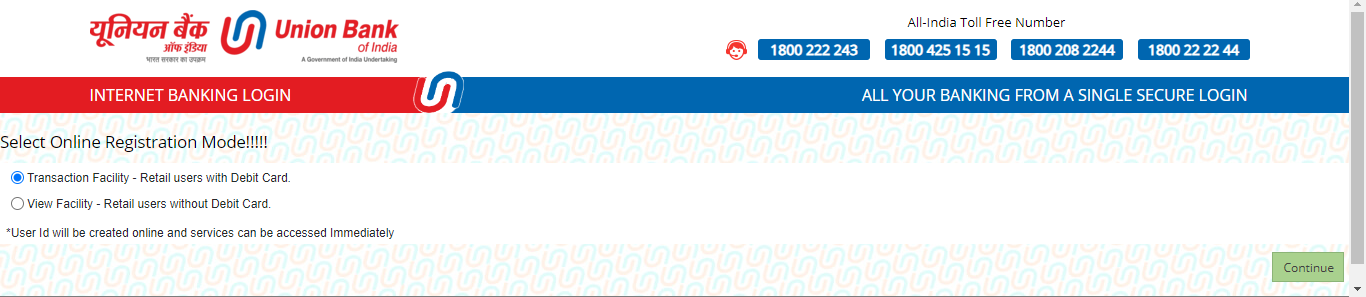
- Select the transaction facility and click “Continue”
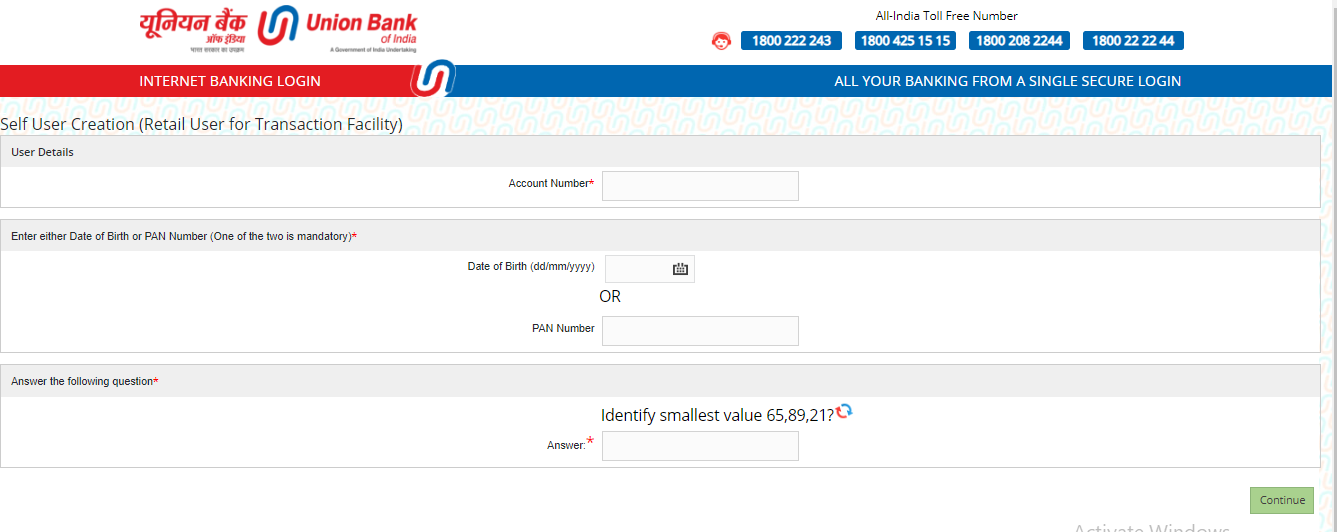
- Enter “Account Number“, “Date of Birth or PAN Number“, “Captcha” and “Continue“
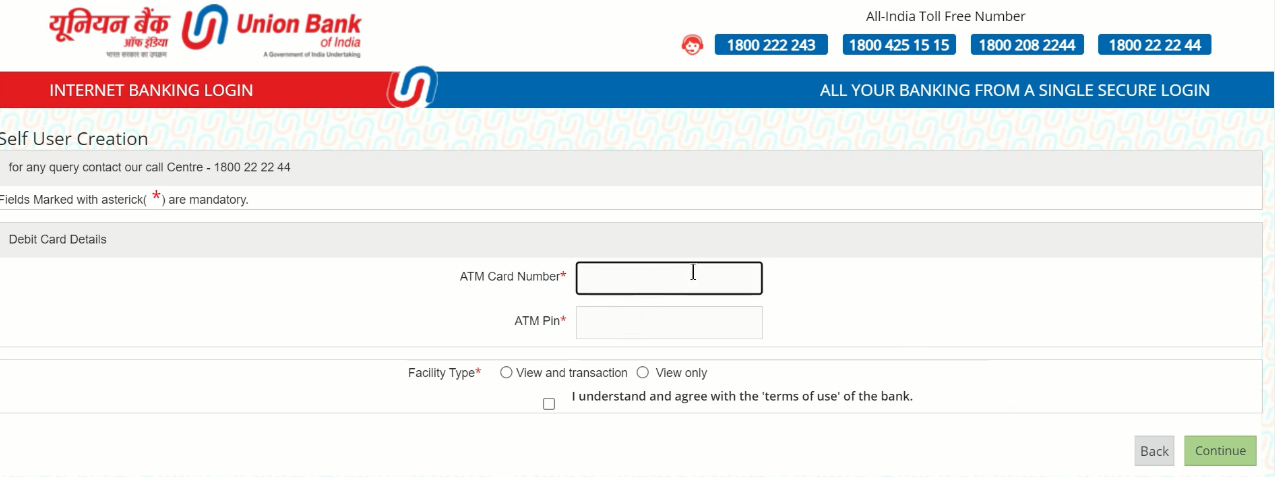
- Enter “Debit Card” details, select facility type as “View & Transaction“, tick the “Checkbox” and click “Continue”
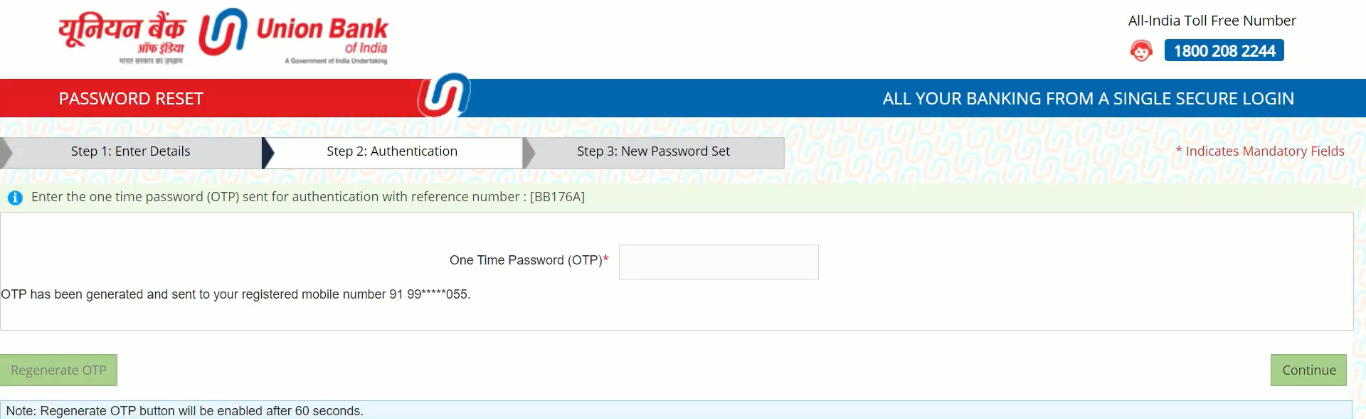
- Enter the “OTP” and “Continue“
- Tick all “Checkboxes“, enter “Sign On” and “Transaction Password” and confirm it, click “Continue“
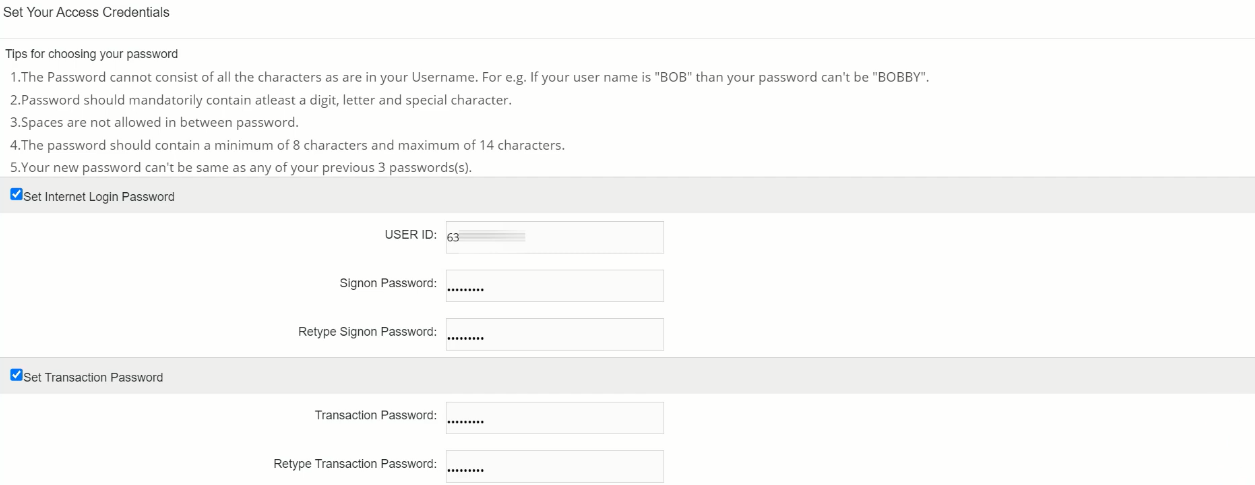
- Now your password has been set successfully, your user ID will appear on your screen, note it down
- Click on “Go to Login Page“

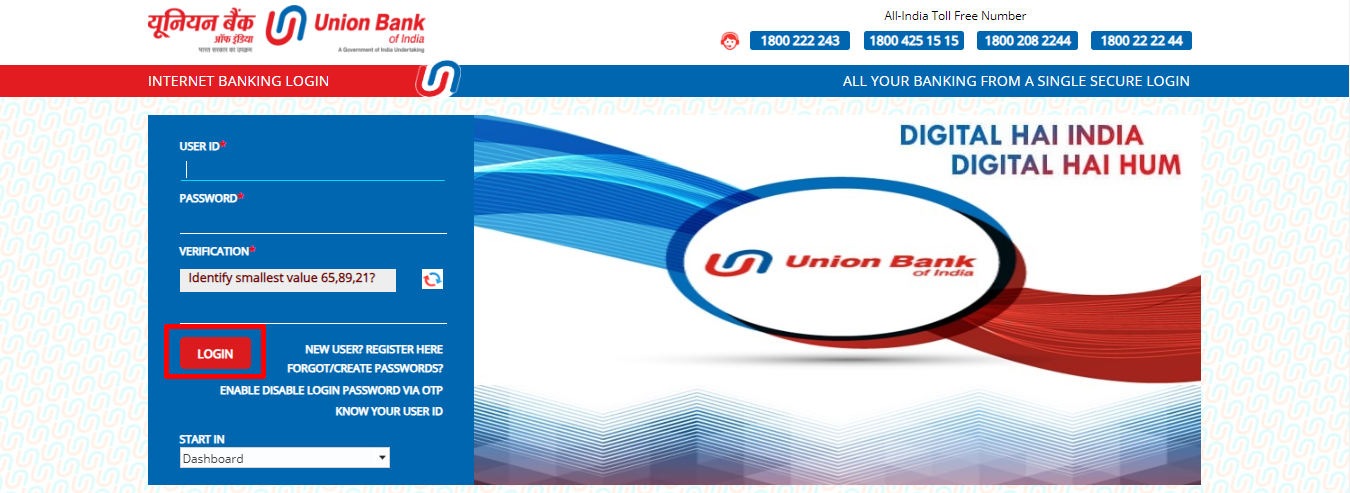
- Enter your “User ID“, “Password“, “CAPTCHA” and click “Login“
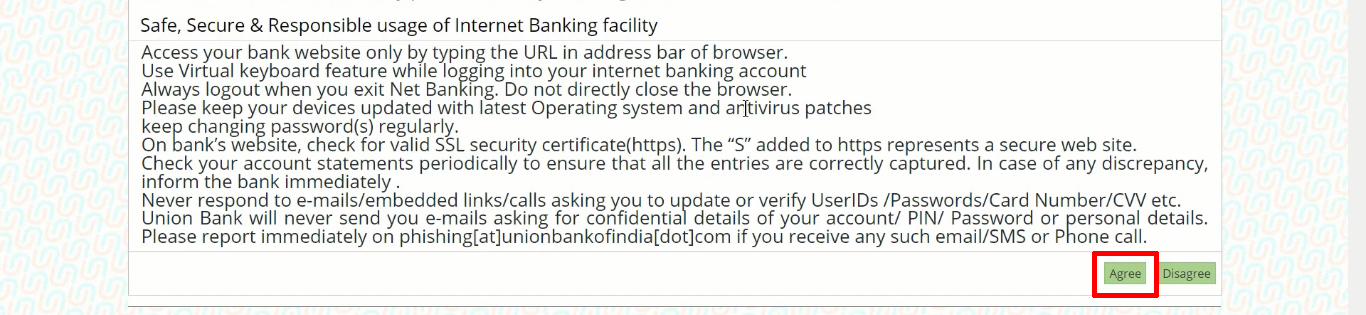
- Scroll-Down and Click “Agree” button
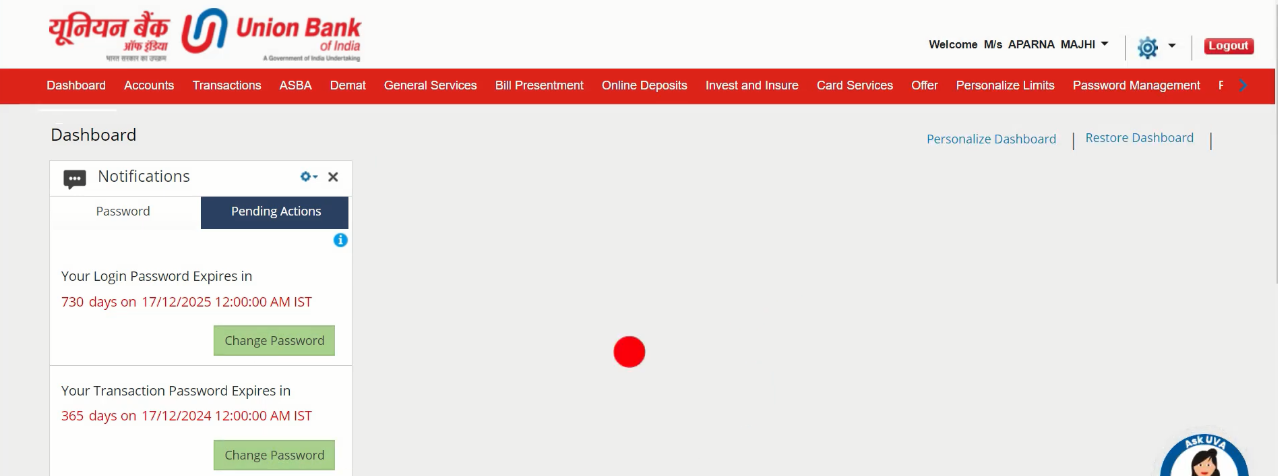
- A Pop-up will appear, click on “OK“

- Now your Union Bank Net Banking portal is open, you can avail all the services.
Important Link
| Official Website | Click Here |
| Union Bank of India Net Banking Portal | Click Here |
| Union Bank Net Banking New User Registration | Click Here |
| Download Banking Forms | Click Here |