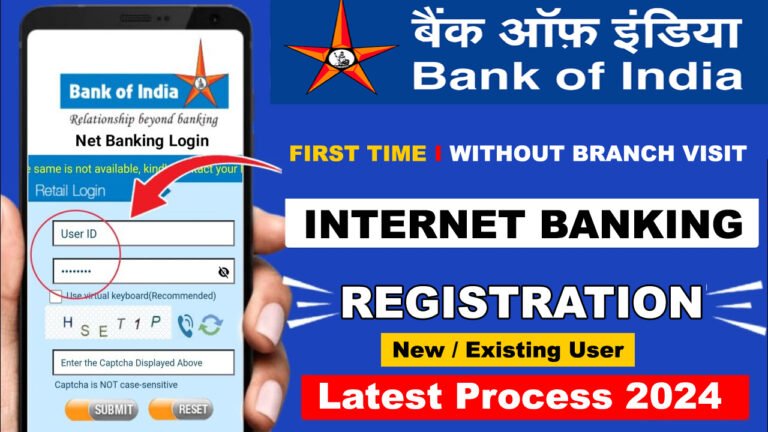
Bank of India Net Banking(BOI) : New User Registration
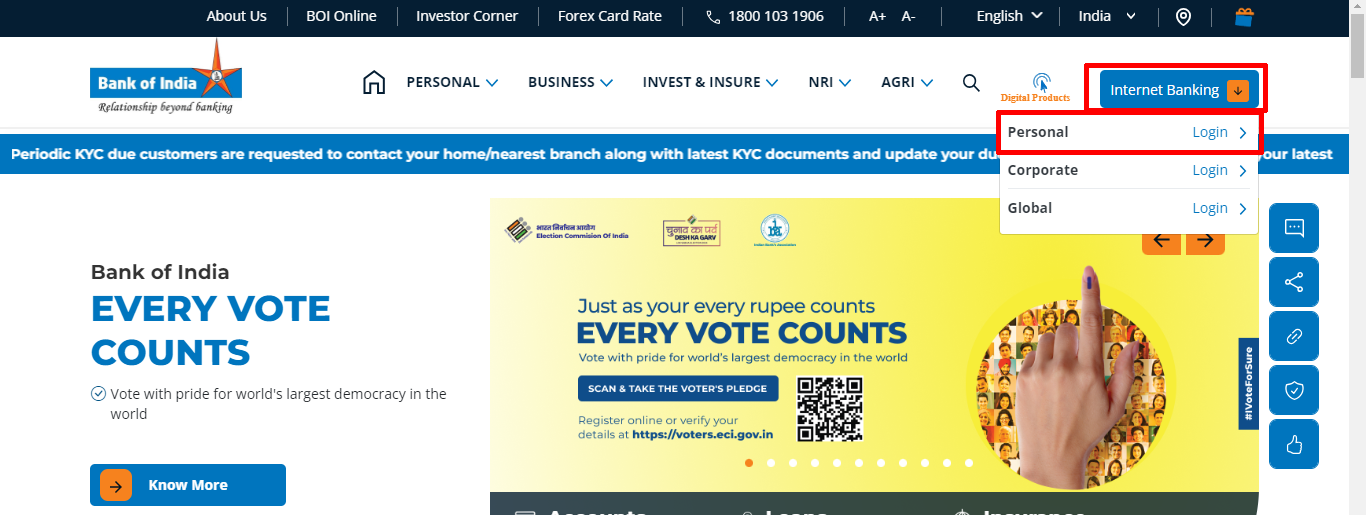
- Visit the official website of Bank of India – https://bankofindia.co.in/
- Click on “Internet Banking>Personal Login“
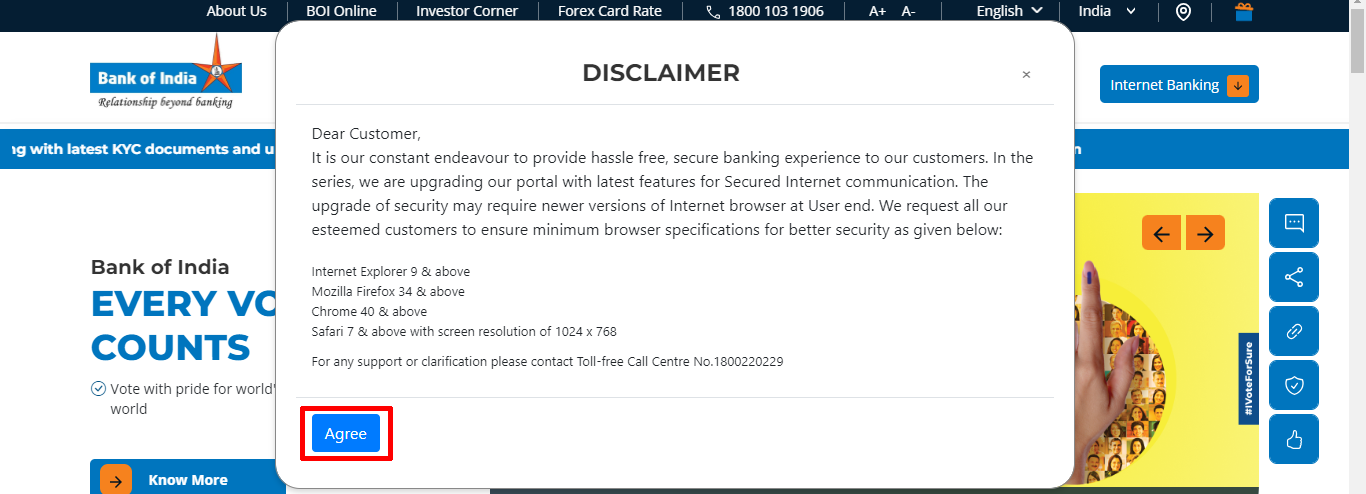
- Click “Agree” again
- Click “Skip“

- Then click on “New User“
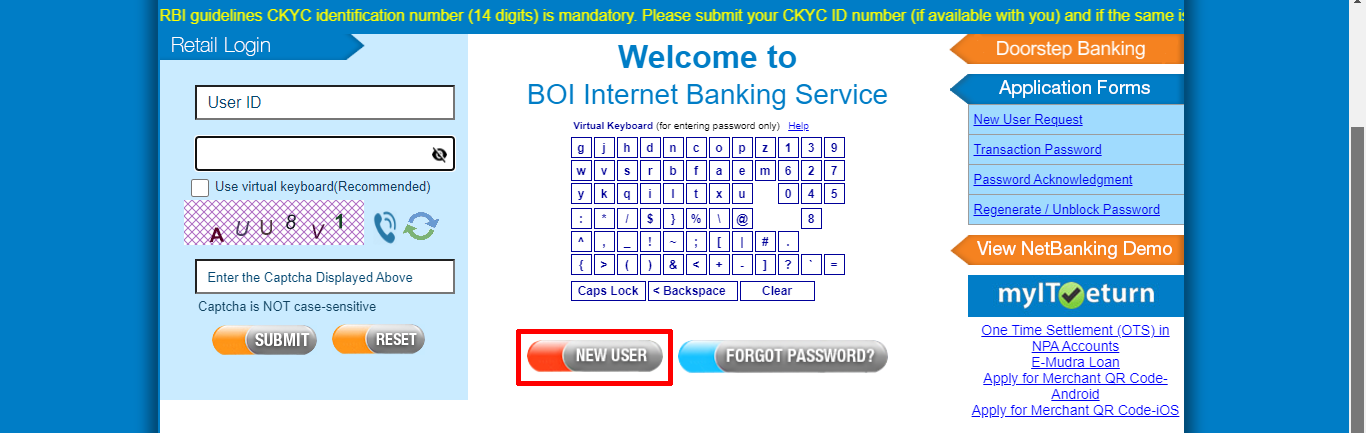
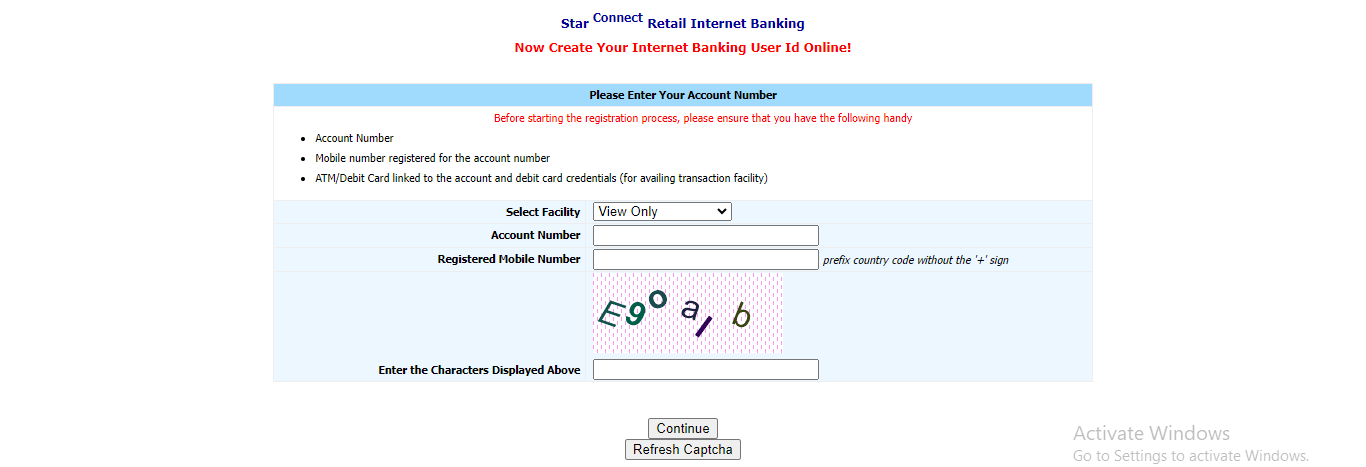
- Select “View and Transactions” on the facility
- Enter “Account Number“, “Register Mobile Number“, “Captcha” and click “Continue”
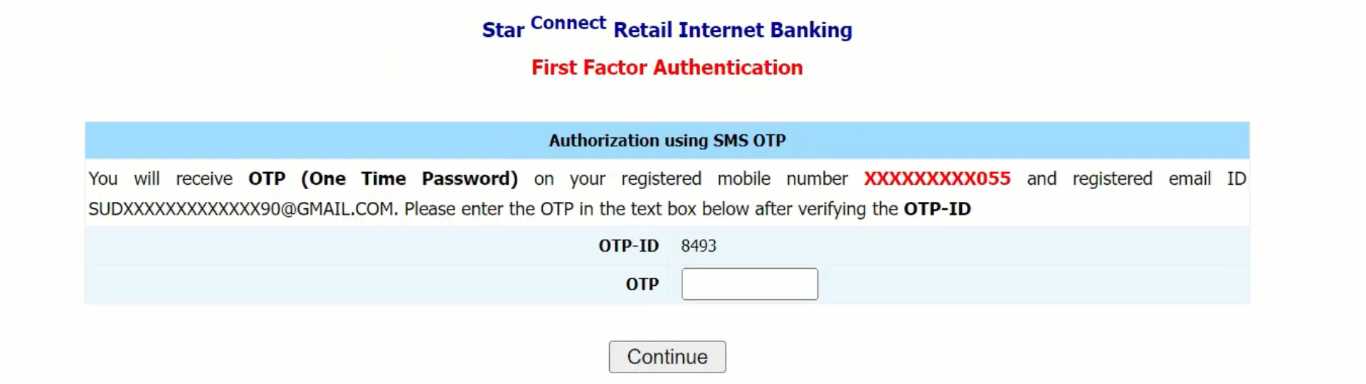
- Enter “OTP” and click on “Continue“
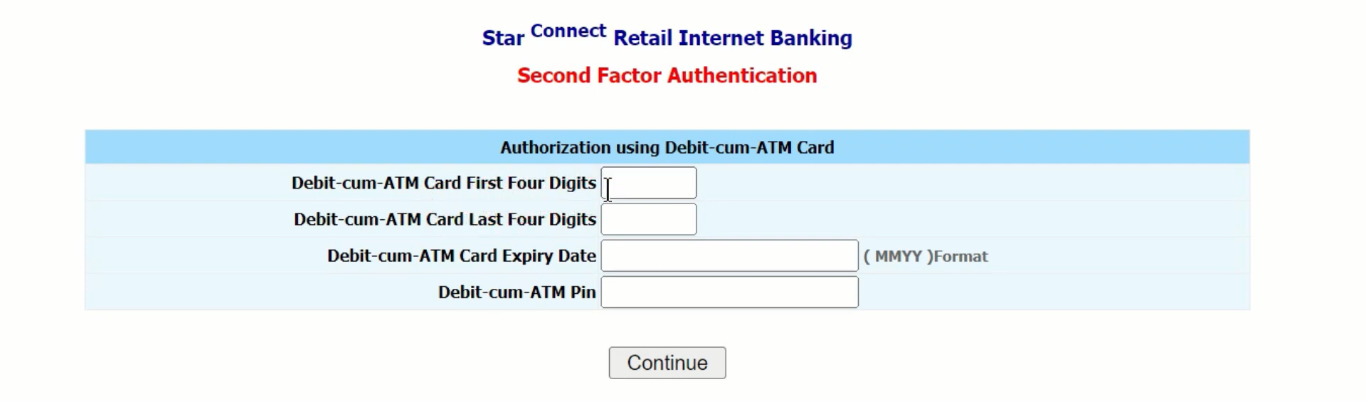
- Enter your “Debit Card” details and “Continue“
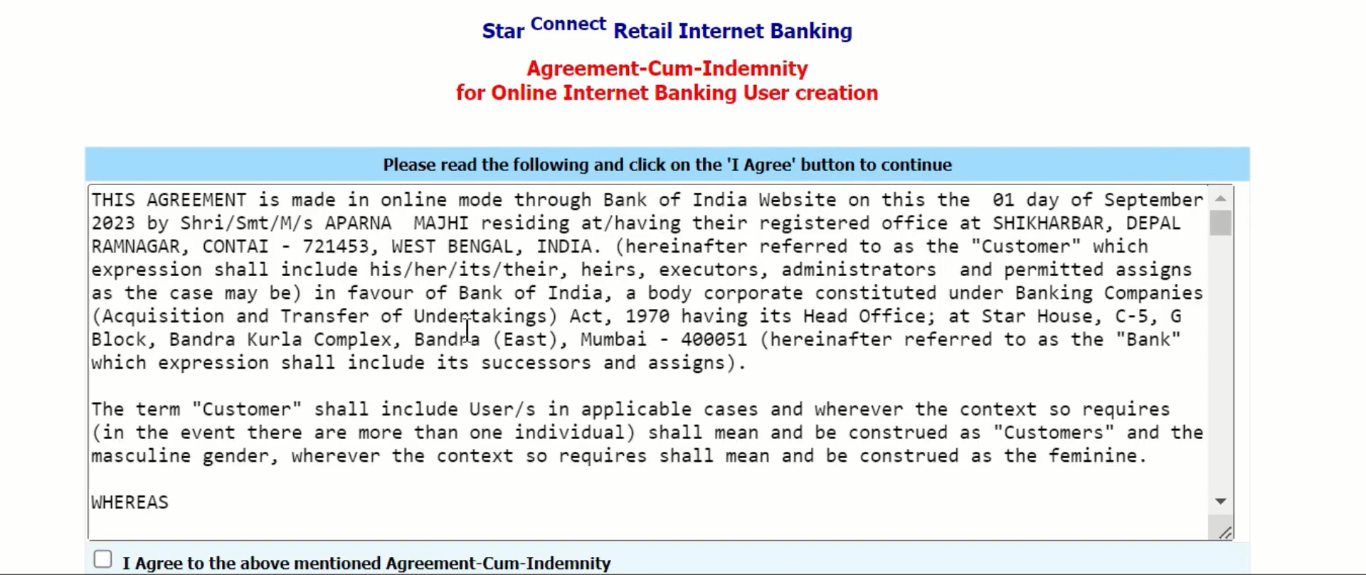
- Tick the “Checkbox” and click “I Agree“
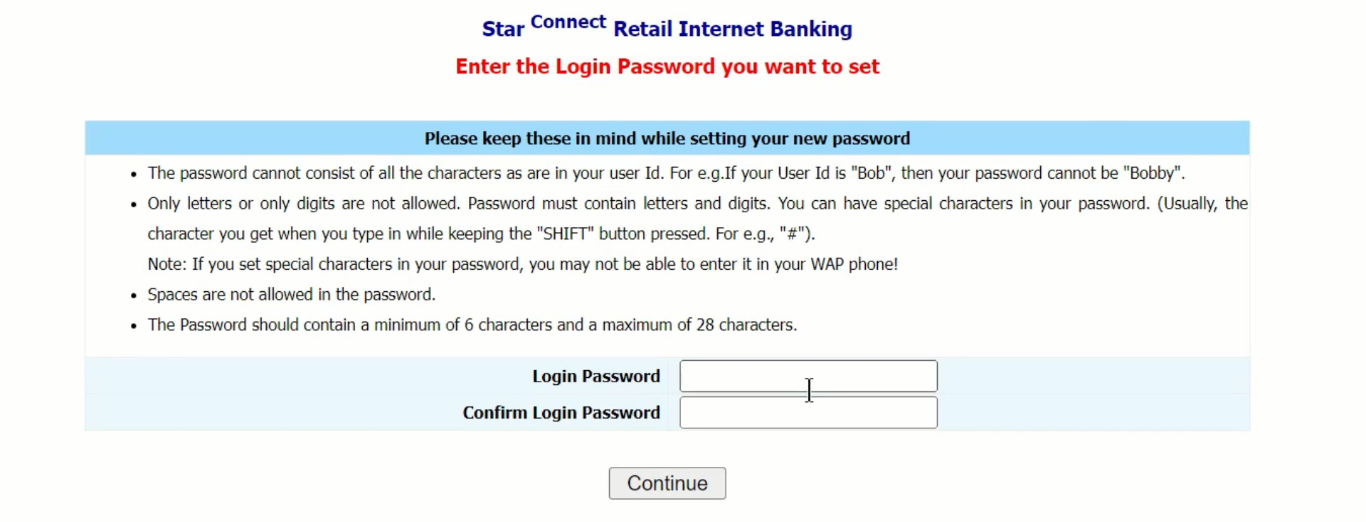
- Set new “Login Password” and confirm the password, click “Continue“
- A pop-up will appear on your computer screen, click “OK“

- Now your internet banking registration is successful and netbanking details will appear on your computer screen

- Again go to login page and enter “User ID“, “Password“, “Captcha” and “Submit“
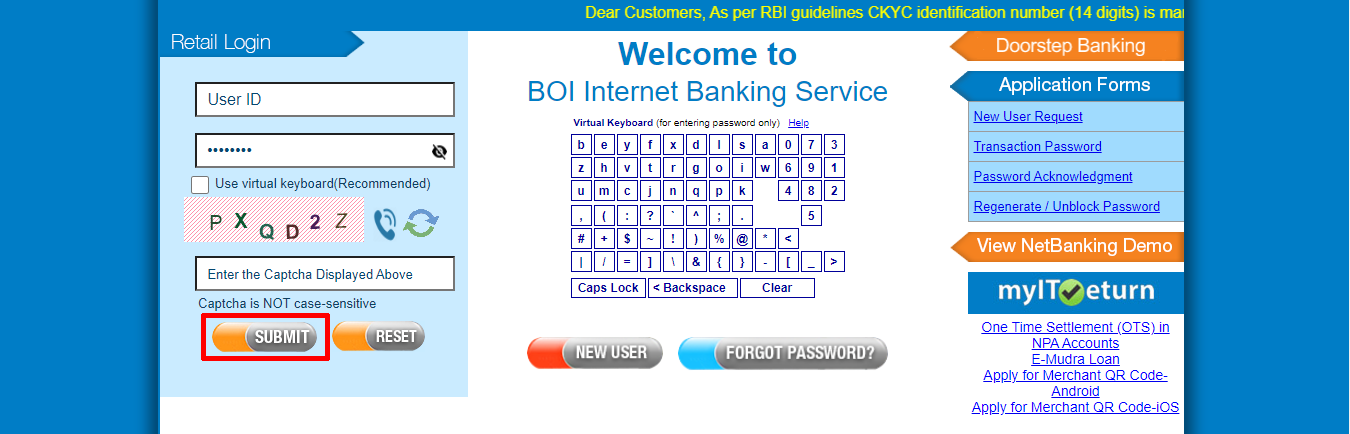
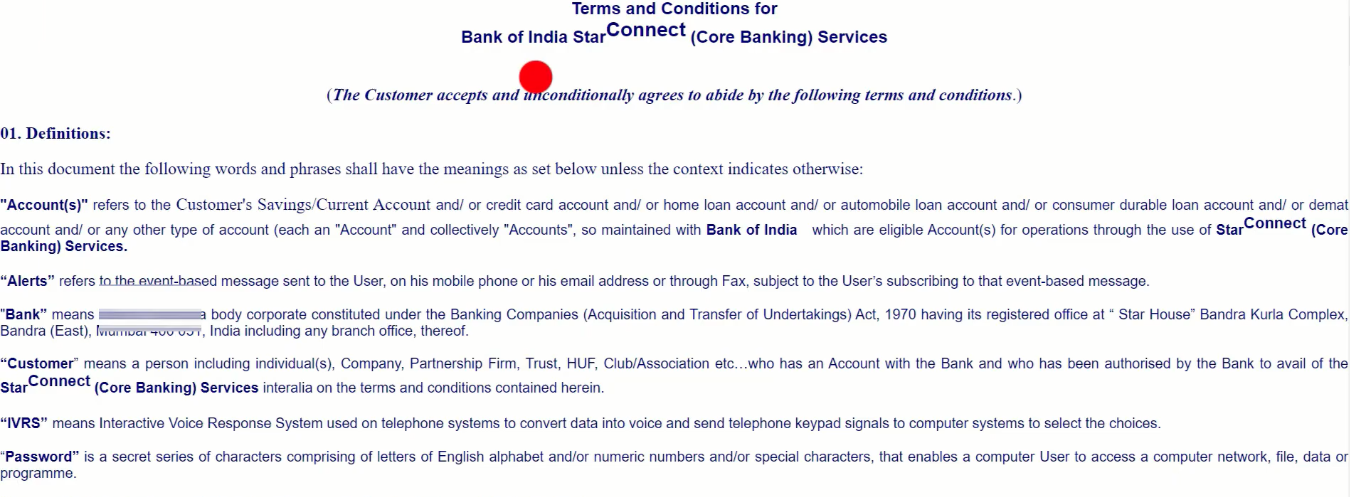
- Then click “Agree“
- Enter “OTP” and “Continue“

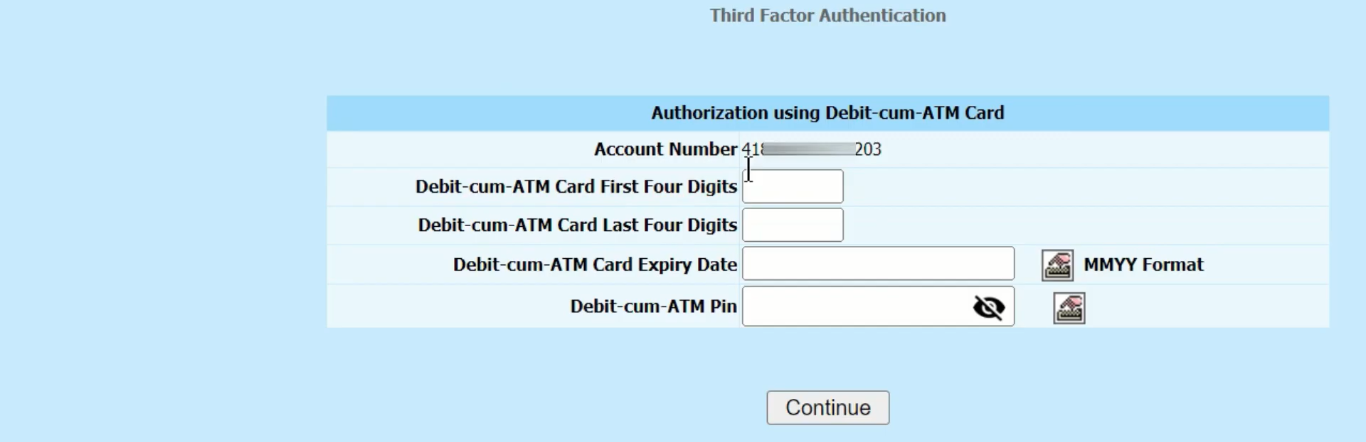
- Enter your “Debit Card” information Now, then click on “Continue“.
- Set a new “Transaction Password” and confirm again, click “Continue“

- A pop-up will appear, click “OK“

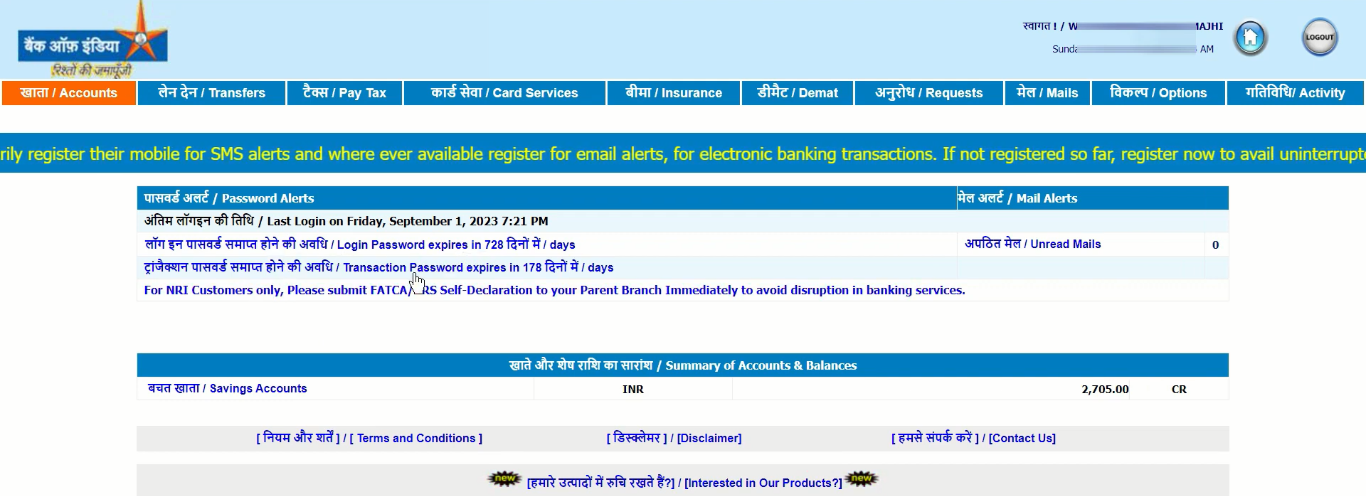
- Your BOI NetBanking dashboard will open, you can avail all services.
Important Link
| Official Website | Click Here |
| BOI Net Banking Portal | Click Here |
| Bank of India Net Banking Login Page | Click Here |
| Download Banking Forms | Click Here |